Integrations / FFAIR


Exhibitor Management
Turn Your FFAIR Exhibitors Into Event Promoters
Premagic connects with FFAIR, the self-service exhibitor and sponsor management platform used by trade shows and conferences. Your exhibitor list, stand numbers, and booth staff flow into Premagic. Each exhibitor gets a 'We're exhibiting' poster, and the poster link is written back onto their FFAIR stand.
The Challenge
Exhibitors have their own reasons to promote your show. They've paid for a stand, they want footfall, and they have their own audiences. Yet most exhibitor marketing still runs on a generic 'Visit us at stand 42' template that few people share.
Exhibitor Data Stuck in FFAIR
Company names, stand numbers, and booth staff contacts live in FFAIR's exhibitor records. Pulling them into a marketing tool means exports, spreadsheets, and a list that is stale by the time it is used.
Exhibitors Left to Design Their Own Posts
Exhibitors know they should promote their stand, but few have a designer on hand. Without artwork they can post as-is, most post nothing.
Assets Sent Once, Then Lost
Emailing exhibitors a poster link works for a day. Booth staff change, inboxes get buried, and by show week nobody remembers where the link went.
What You Can Do
Sync Exhibitors and Booth Staff in One Pass
Premagic imports your exhibitor list from FFAIR, including each company's name, contact details, and stand number, and brings their booth staff along as exhibitor-type attendees in a single sync.
Exhibitor Posters, Pre-Filled
Every exhibitor gets a branded 'We're exhibiting' poster pre-filled with their company name and stand number, so they can post it without opening a design tool.
Poster Link Written Back Into FFAIR
Premagic also writes each exhibitor's poster link into a custom field on their FFAIR stand, so the link sits on the stand record rather than in an email that gets buried.
Campaigns to Booth Staff
Booth staff land in Premagic as attendees, so you can email them like any other audience: the poster link first, then a reminder before show day, with share tracking on both.
Clean Exhibitor Records
FFAIR data is normalized on the way in. Duplicate users are collapsed, each company is represented by its primary contact, and existing records are updated rather than re-created on every re-sync.
AI Photo Delivery for Exhibitors
After the show, booth staff who registered a selfie get their stand and networking photos delivered automatically with Premagic's AI face-matching, giving exhibitors a second wave of shareable content.
How It Works
Enable API access in FFAIR
In the FFAIR Organiser Portal, enable API access for your show and note your API credentials and show ID
Connect
Our Premagic team links your FFAIR show to your Premagic event during onboarding
Map the poster field
Add a custom field to your FFAIR stands and we point the poster link push-back at it
Sync
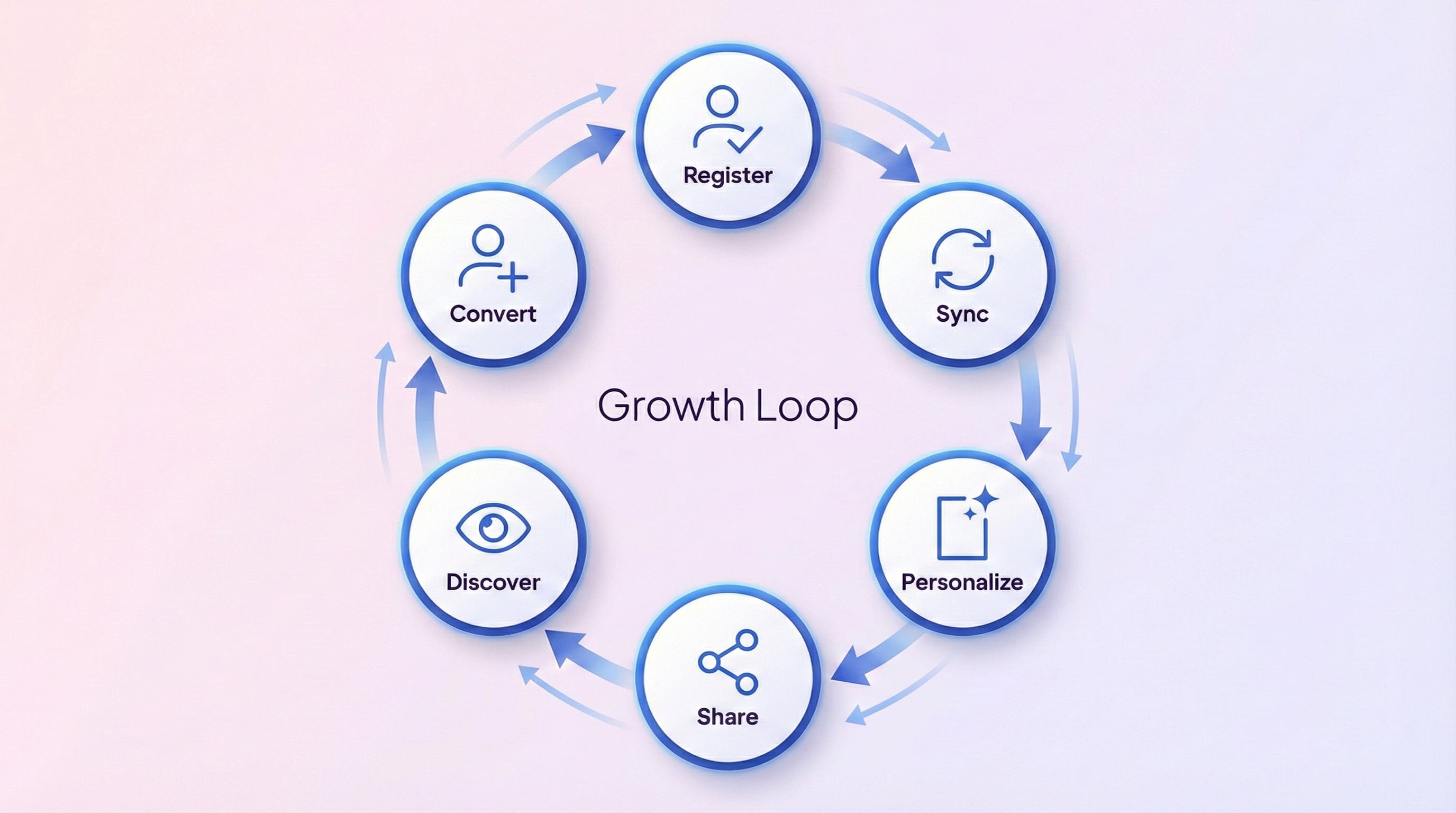
Import exhibitors, stand numbers, and booth staff, then re-run it whenever the exhibitor list changes
Campaign
Email booth staff their poster link and track who shares
Deliver
After the show, distribute photos to booth staff using AI face-matching
Frequently Asked Questions
What data does Premagic import from FFAIR?
Premagic imports your exhibitor companies with their name, email, phone, and stand number, and brings their booth staff along as exhibitor-type attendees with name, email, phone, and company. Archived exhibitors are skipped.
What does Premagic write back into FFAIR?
Each exhibitor's poster link is written into a custom field on their FFAIR stand. The link is only updated when it changes, and a push-back problem never blocks the import.
How do I set up the FFAIR integration?
Enable API access for your show in the FFAIR Organiser Portal, add a custom field to your stands for the poster link, and our Premagic team links your FFAIR show to your Premagic event during onboarding. Sync is on demand, so re-run it whenever your exhibitor list changes.
Who is the FFAIR integration best suited for?
Trade show and exhibition organizers, exhibitor relations teams, and sponsorship managers who want every exhibiting company promoting the show with a branded poster instead of a generic template.
New to Premagic integrations?
Start with the integration guide
A plain-English overview of what gets synced from FFAIR, what your attendees see, and what you can embed where. Read it before you wire things up.
Ready to Connect FFAIR and Premagic?
Your exhibitors already want footfall. With Premagic's FFAIR integration, each of them gets a poster with their stand number and a link to it on their FFAIR stand. Talk to us about connecting your show.