Integrations / Grip


Event Management
Native Premagic Integration in Grip: One-Click Poster Activation
Premagic is natively integrated into Grip, the leading event networking and engagement platform. This is not just a standard API connection. Grip built Premagic directly into their platform to help turn your event registrations into a referral growth engine. You do not need developers or custom code, you just toggle it on.
The Challenge
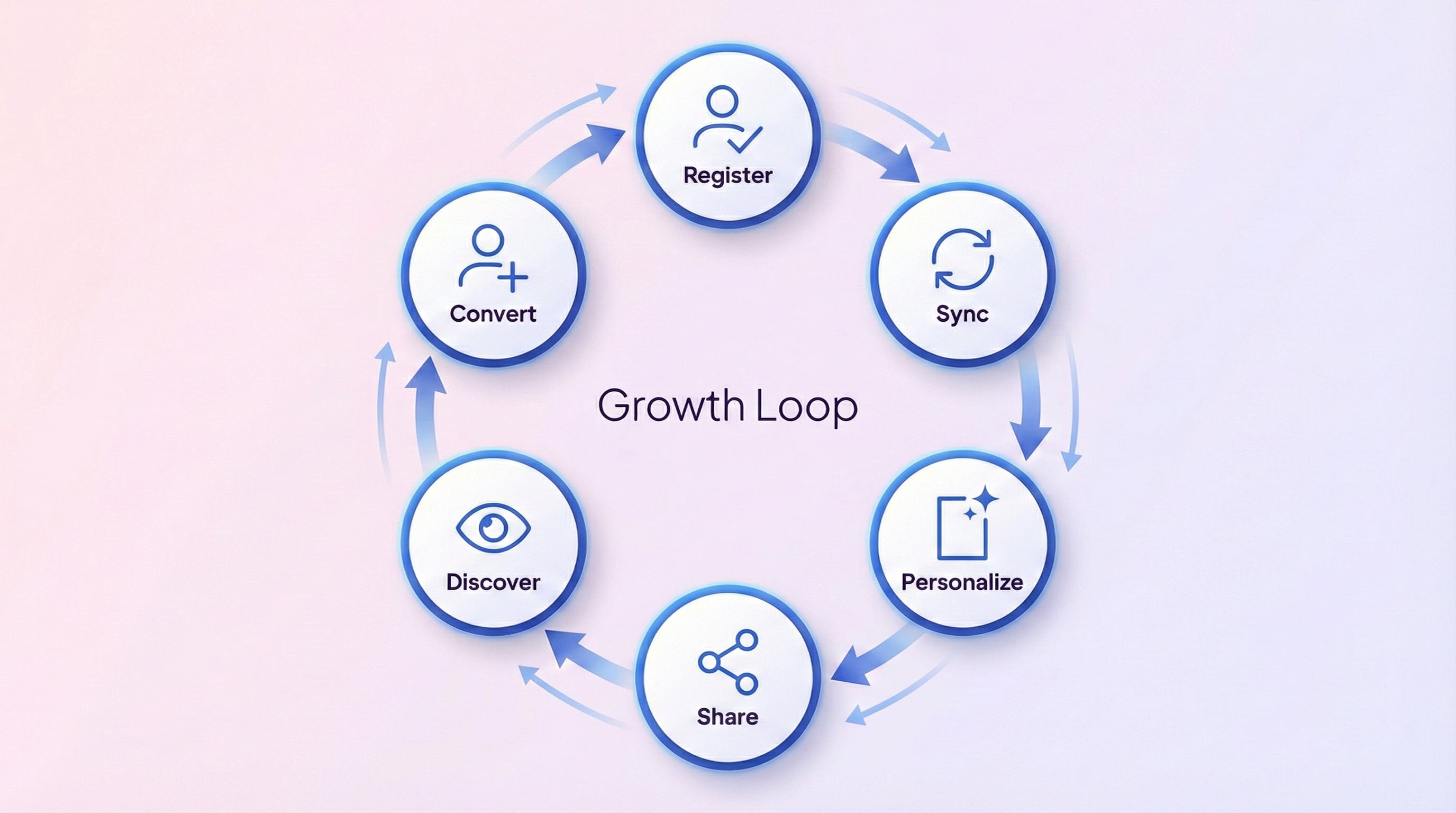
Once your event is live on Grip and registrations begin, capturing the enthusiasm of new sign-ups immediately is the key to converting single registrations into organic reach. Peer recommendations drive event sign-ups effectively, especially right after someone registers. That is when attendees are most excited and likely to tell colleagues.
Limited Organic Reach
Even excited attendees rarely promote your event without prompting. They need shareable assets ready to post instantly with no extra effort.
Missed Peak Excitement Window
Interest peaks immediately after registration. If the sharing tool is not embedded directly in that sign-up path, you miss the best opportunity to prompt referrals.
Complex Setup Requirements
Standard integrations rely on API keys, webhooks, and complex configurations. Organizers should be able to activate a referral engine without waiting for developer help.
What You Can Do
Automatic Poster Widget on Registration Pages
Once enabled, the Premagic widget appears inside your Grip registration flow. Because it is natively integrated, there are no iframe embeds, keeping the user experience clean.
Capture Attendees at Peak Excitement
Registrants are most excited about your event the second they sign up. The native widget catches them at this peak moment to encourage immediate sharing.
Pre-filled Personalized Posters
Integrating the widget directly into the sign-up path allows attendee details to flow straight into poster creation. Names and event details populate automatically.
Drive Registrations Through Referrals
Shared posters act as organic invitations. As attendees post to LinkedIn, Twitter, or WhatsApp, their professional networks see personalized, branded graphics.
Flexible Widget Configuration
The built-in settings offer several options to match the layout and objective of your specific event.
How It Works
Navigate to Integrations
In your Grip admin panel, go to Event Settings → Integrations → Grip Engage and select Premagic
Configure Your Settings
Fill in your Premagic project details: Share Id, Project Id, Event Id, Website Id, Domain, and Widget preferences
Enable and Save
Toggle Enabled to on, click Save, and you're done
Watch the Magic Happen
The Premagic poster creation widget automatically appears on your Grip registration page
Track and Optimize
Monitor poster creation rates, shares, and referral registrations in your Premagic dashboard
Frequently Asked Questions
Do I need an API key or webhook setup to use Premagic with Grip?
You do not need any API keys or webhooks. Because Premagic is built natively into Grip, you simply enable it under Event Settings, Integrations, then Grip Engage. No developer assistance is needed.
Where does the poster widget appear for attendees?
The widget loads directly in your Grip registration flow. There is no iframe embedding, meaning attendees create and share their posters without leaving the page.
How do I configure the Premagic widget in Grip?
Inside your Grip admin dashboard, navigate to the integration settings, fill in your Premagic project credentials, choose your widget preferences, then toggle the enabled switch and save.
Can I choose different widget flows or segment by attendee category?
Grip supports full customization. You can choose flows such as poster creation, segment by attendee categories, and match the widget design to your registration page.
How do I track how the integration is performing?
You can track everything on the Premagic dashboard. It monitors poster creation rates, social shares, and resulting referral registrations in real time.
New to Premagic integrations?
Start with the integration guide
A plain-English overview of what gets synced from Grip, what your attendees see, and what you can embed where. Read it before you wire things up.
Ready to Activate Premagic in Your Grip Events?
The native integration between Grip and Premagic simplifies your referral setup. There is no custom code to write or external widgets to embed. Just toggle the option on to turn every registration into an organic sharing opportunity. When your attendees want to spread the word, they can do so in a single click.