Integrations / Luma


Event Management
Supercharge Your Community Events with Shareable Posters
Our native integration with Luma, the event platform for communities, creators, and startups, turns your guests into active advocates. They can now drive referrals and boost registrations using personalized, shareable posters.
The Challenge
Hosting community events, meetups, and gatherings on Luma is simple and elegant. While registrations flow in, Luma alone does not help your attendees spread the word. Your community members are highly motivated immediately after signing up, making it the ideal moment for them to invite colleagues. Without the right tools, though, that window of enthusiasm closes quickly.
Missed Referral Moments
Registrants feel a surge of interest right after signing up, but without shareable content, that initial spark fades. You miss the chance to turn their interest into organic reach.
Manual Content Creation
Designing individual graphics for hundreds of attendees is impossible to scale by hand. Automated tools are necessary to provide posters for everyone on your list.
Limited Organic Growth
Word of mouth drives community growth, but guests will not share without easy, attractive options. Lacking automated media keeps your event's reach confined to your existing circle.
What You Can Do
Auto-Generate Personalized Posters from Luma Guest Data
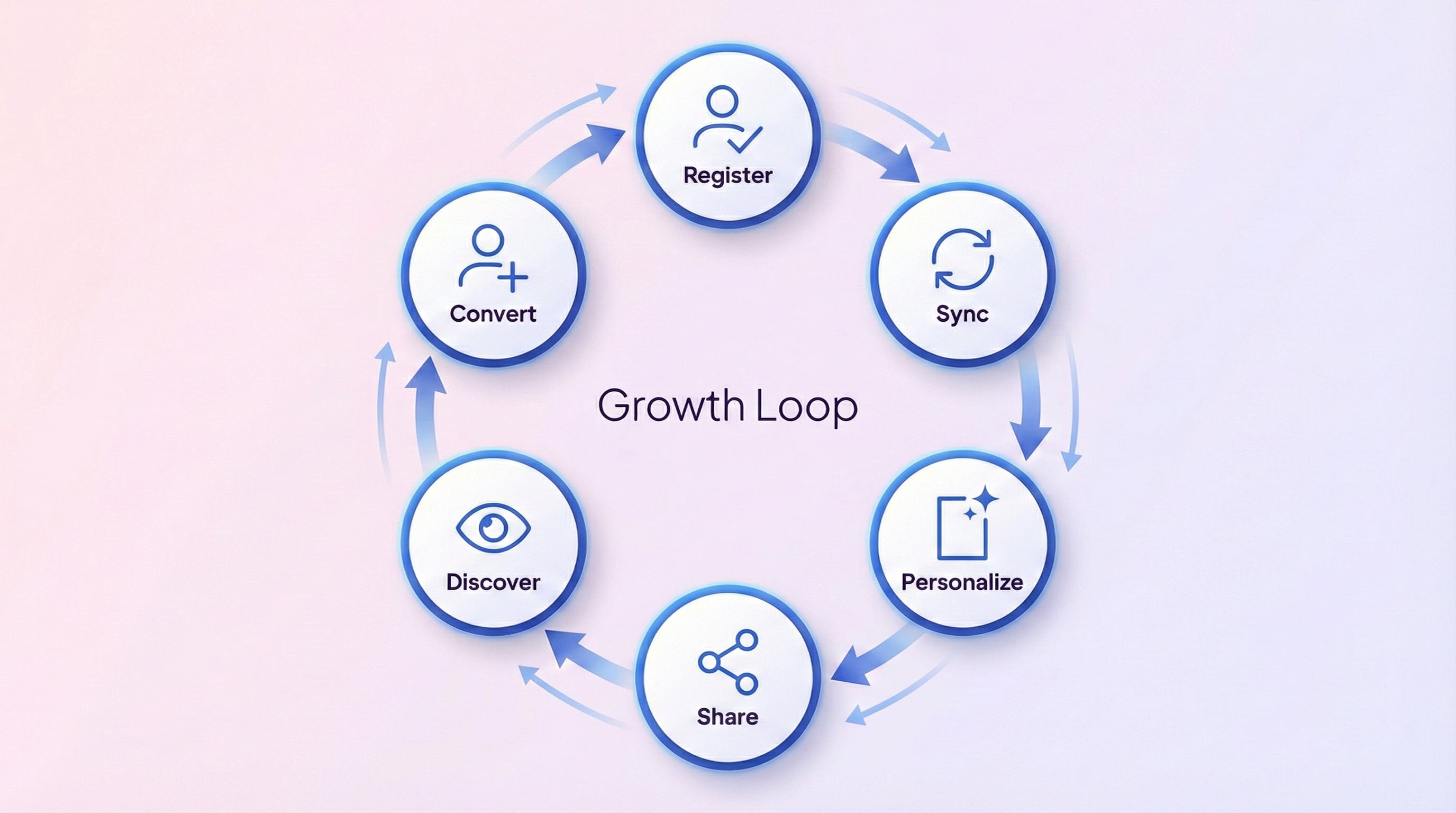
Premagic syncs attendee details directly from your Luma event, generating customized graphics for every registration. The system handles the layout, adding the guest's name, company, and role alongside the event details.
Launch Campaigns to Drive Sharing and Referrals
Instead of waiting for attendees to post on their own, prompt them using targeted email runs, social media templates, and scheduled reminder paths.
Complete Guest Roster Sync
The sync imports your complete Luma attendee roster. This includes contact details, approval states, and answers to custom registration forms.
Smart Custom Field Detection
When you ask custom registration questions on Luma, Premagic maps those inputs to standard fields, letting you personalize posters and segment your campaigns.
Approval Status Awareness
For invite-only or approval-based events, Premagic syncs the registration status so you can manage exactly who receives sharing prompts.
AI-Powered Photo Distribution
Once the event concludes, Premagic handles photo distribution. The platform sorts and delivers event photos to each guest, encouraging post-event sharing.
How It Works
Connect
Link your Luma API key to Premagic
Select
Choose which Luma event to connect to your Premagic project
Configure
Select which guest fields to sync
Sync
Import all guests with a single click
Generate
Auto-create personalized posters for every guest
Campaign
Send poster campaigns to drive sharing
Frequently Asked Questions
Does the Luma integration work with invite-only or approval-based events?
Premagic fully supports Luma's approval workflow. You can run campaigns specifically for approved registrants, keeping complete control over who receives marketing materials.
What happens to my Luma custom registration questions?
Premagic maps these responses to useful categories. For example, company questions go to the organization field, LinkedIn URLs go to the social profile, and other answers become custom fields for targeted segmentation.
How much of my Luma guest list is imported?
The integration pulls your entire guest list, including names, emails, phone numbers, RSVP statuses, and all custom registration form answers.
Do I need to manually create posters for every guest?
The poster creation process is completely automated. As soon as your Luma data syncs, the system generates custom posters featuring the guest's name, company, and role.
Who typically uses the Luma integration?
This integration is designed for community organizers, startup founders, developer advocates, and creators who host events on Luma and want to expand their reach without adding operational overhead.
New to Premagic integrations?
Start with the integration guide
A plain-English overview of what gets synced from Luma, what your attendees see, and what you can embed where. Read it before you wire things up.
Ready to Turn Your Luma Community Into a Registration Growth Engine?
Your attendees are your strongest advocates. They registered because they care about your event, and many are happy to share it with their networks. By connecting Luma to Premagic, you can automate poster design, reach wider audiences, and grow registrations. Instead of hoping for word of mouth, give your guests clean, shareable assets.