Campaign idea
Speaker Announcement Posters
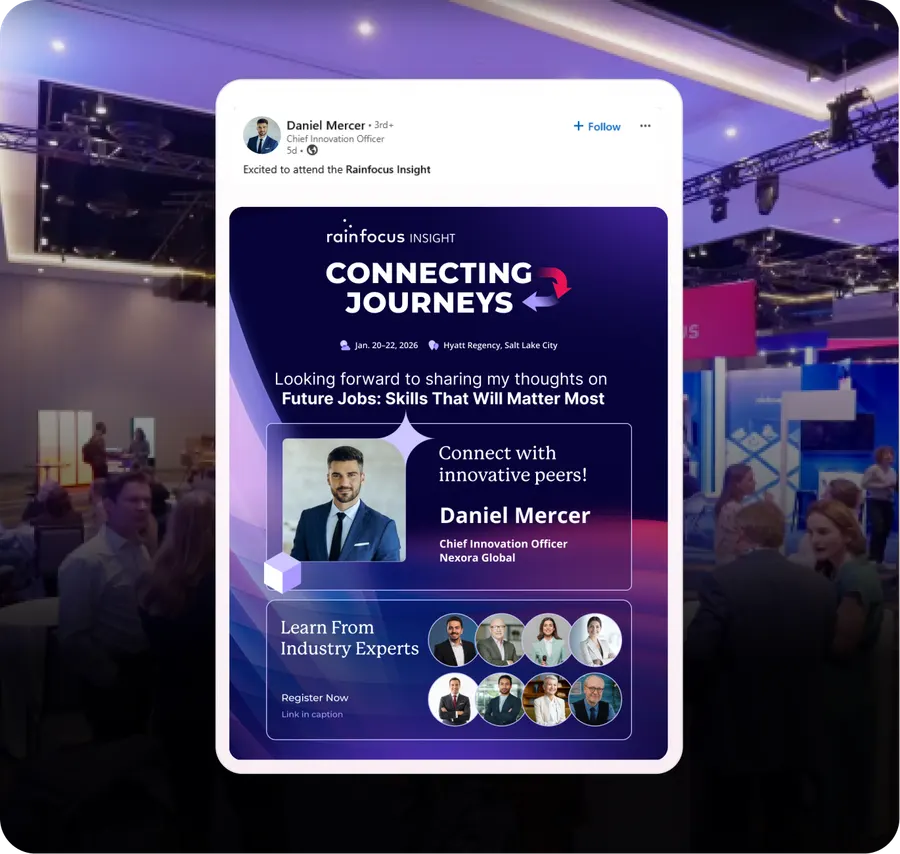
Every speaker gets a personalised "I'm speaking" poster and a one-tap share. Their followers are your warmest audience.
What it is
Speakers want to be seen speaking. That is a large part of why they said yes. But most of them never post about it, because the alternative is asking a designer for a graphic, waiting three days, and by then the moment has gone.
So you remove the friction entirely. The speaker gets a link to a poster with their photo, their name, their session title, your branding - already built. One tap posts it.
- When to run it
- Before the event
- Who does the sharing
- Speakers
- What it's for
- Registrations, Brand reach
- Effort
- Low effort
Timing: Start at speaker confirmation. Run a cadence right up to event day.
Why it works
- A speaker's audience is pre-qualified. They follow that person for exactly the subject your event is about.
- It converts far better than a cold ad, because the recommendation is implicit and personal.
- Speakers post more than once if you keep giving them fresh assets - the announcement, the countdown, the session reminder.
- It costs almost nothing per speaker, and a 40-speaker roster is 40 warm channels you were not using.
How to run it
- 1
Build the poster the day you confirm the speaker
Confirmation day is when they are most excited. Send the asset in the same email as the confirmation.
- 2
Make it one tap, not a download
A link that opens the pre-filled LinkedIn or X composer. Every extra step halves the number of people who finish.
- 3
Give each speaker a tracked link
So you know which speakers actually drive registrations. This also tells you who to invite back.
- 4
Nudge the ones who have not posted
Track posting status and send a friendly reminder on WhatsApp or email. Most non-posters simply forgot.
- 5
Refresh the asset every two weeks
Announcement, then a quote card, then a countdown, then a 'see you tomorrow'. Four posts per speaker, not one.
Set it up in Premagic
The steps above are the campaign. These are the clicks.
- 1
Upload your speaker list
Names, photos, session titles and times. That is everything the generator needs.
- 2
Create the poster template
One template, your branding, auto-filled per speaker. Build square and vertical variants so it works on every platform.
- 3
Generate captions
Use AI captions or write your own. Either way the speaker should not have to think about what to say.
- 4
Add referral links
A unique tracked link per speaker, so registrations attribute back to the person who drove them.
- 5
Deploy to speakers
Send by email or WhatsApp with a one-tap share. The fewer steps between receiving and posting, the higher the share rate.
- 6
Monitor and nudge
Track who has posted and who has not, and remind the ones who forgot. Most non-posters are not refusing, they are just busy.
- 7
Amplify the top performers
Publicly thank the speakers who drove the most registrations, and give them the number. "Your post reached 5,000 people and brought in 120 registrations" is why they come back.
Pro tips
- Send the poster the day a speaker confirms. The sooner they share, the longer their audience has to act.
- Build a poster per session, not just per event. Speakers want to promote their own talk.
- Remind every one to two weeks in the run-up. Multiple touches raise share rates.
- Give them fresh assets each time - a video teaser or a quote card, not the same poster again.
- Use different designs for keynotes, breakouts and panels so each tier feels distinct.
Best fit for
- Conferences with a large speaker roster
- Events where speakers have significant personal followings
- Multi-track events where each session needs its own promotion
- Organisers who want registrations without more ad spend
- Any event where the speaker line-up is the main draw
What you need
- Speaker headshots and session titles
- One poster template per format - square and vertical
- A way to see who has posted and who has not
What to measure
- Share rate per speaker
- Reach and impressions from speaker posts
- Registrations per speaker referral link
- Speakers who posted more than once
Go deeper: Turn Speakers Into Recruiters in the Event Advocacy Playbook.
Or read the original write-up on the Premagic blog.
Campaigns that pair with this one
The Speaker's Company Post
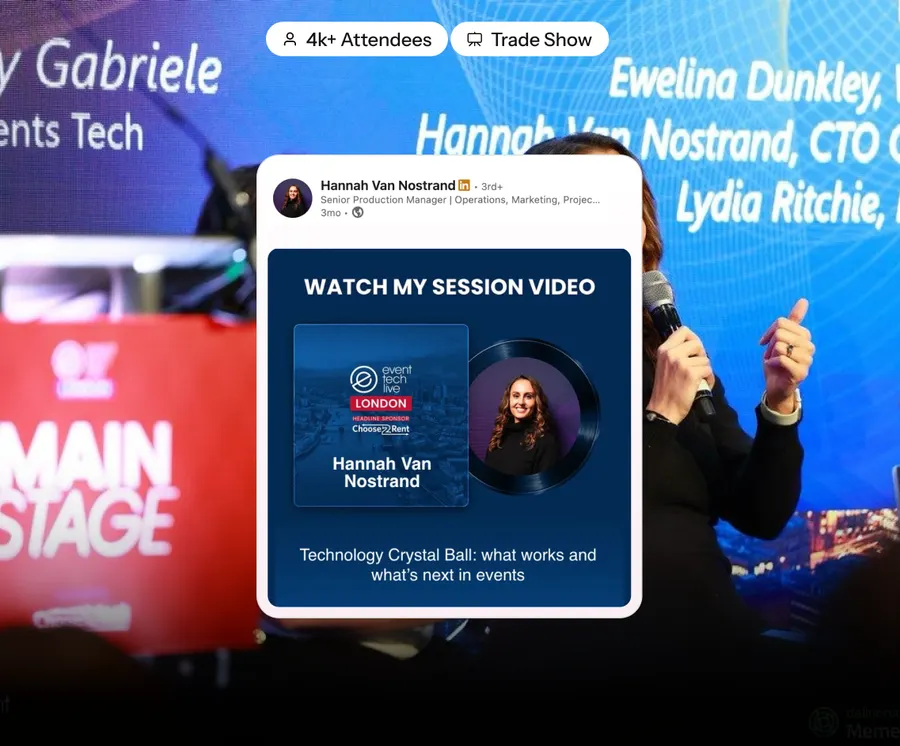
Their employer posts "our {name} is speaking". You get the speaker's personal reach plus the whole company's.
 After
AfterSpeaker Session Recaps
A poster per speaker with their best line and a link to the recording. They post it; you get reach for months.
 After
AfterThe LinkedIn Carousel
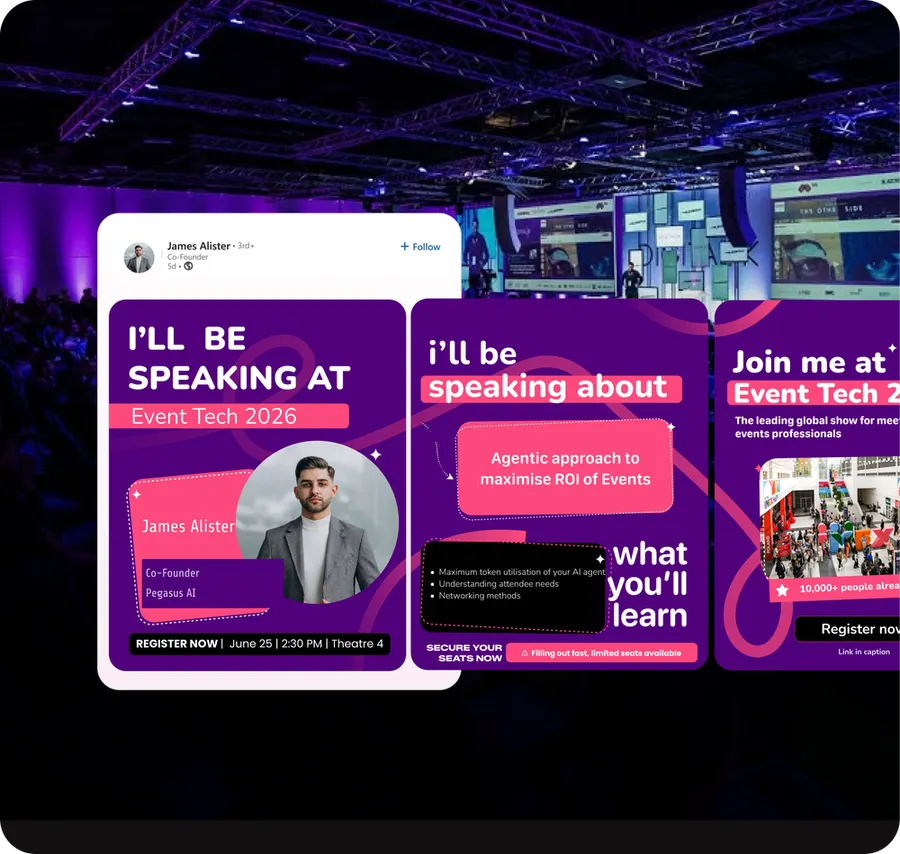
A multi-slide personalised recap. The format LinkedIn still rewards, built per person.
We'll build the campaign with you
Premagic runs the assets, the tracking and the nudges - so the campaign actually ships instead of sitting in a plan.